
STAR CITIZEN / FLEET PLANNING
Plan your next
ship upgrade.
Compare upgrade costs using your ships, store credit and budget.
Plan an upgrade ↗New to upgrading? Start here ↓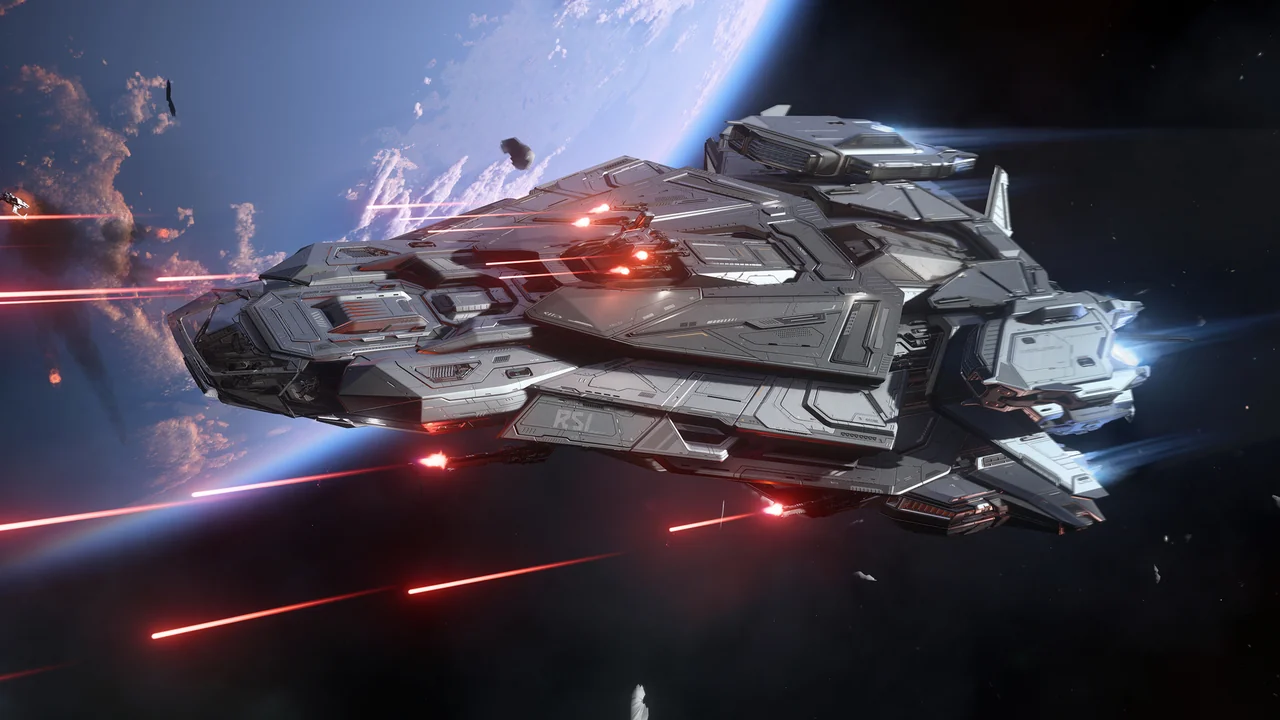
RSI CONSTELLATION MK V CENTAURUSLATEST SHIP PACK
Verified RSI snapshotsCash + store creditInsurance optionsPlans saved on your device
CHOOSE A DESTINATION
Choose your next ship


SALES & EVENTS
Current offers and events.
- 01
Add your ships
Add ships, unused upgrades and available credit.
- 02
Set your requirements
Choose a target, budget and minimum insurance.
- 03
Compare costs
Compare cash, credit and estimated tax. Warbond needs new cash.